

Install the App
You need owner access to the GitHub organization and the Developer role or above in Draftt.1
Start from Draftt
In Draftt, go to Integrations and click the Draftt CI for GitHub card. Draftt opens the App’s install page on GitHub.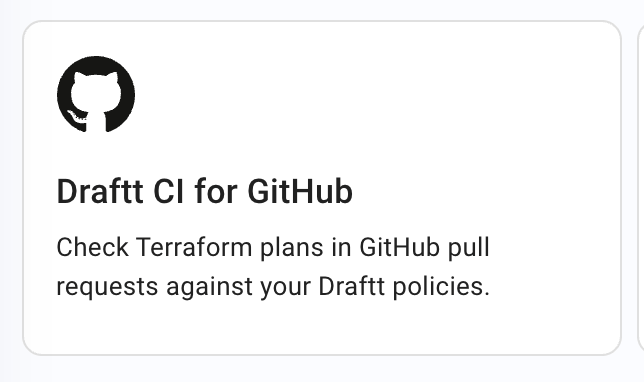
2
Choose the repositories
If GitHub asks, pick the organization. Choose Only select repositories and pick the repositories that hold your Terraform or OpenTofu code. The App only needs the repositories whose pull requests it scans, and it asks for read access to metadata and read and write access to checks and pull requests.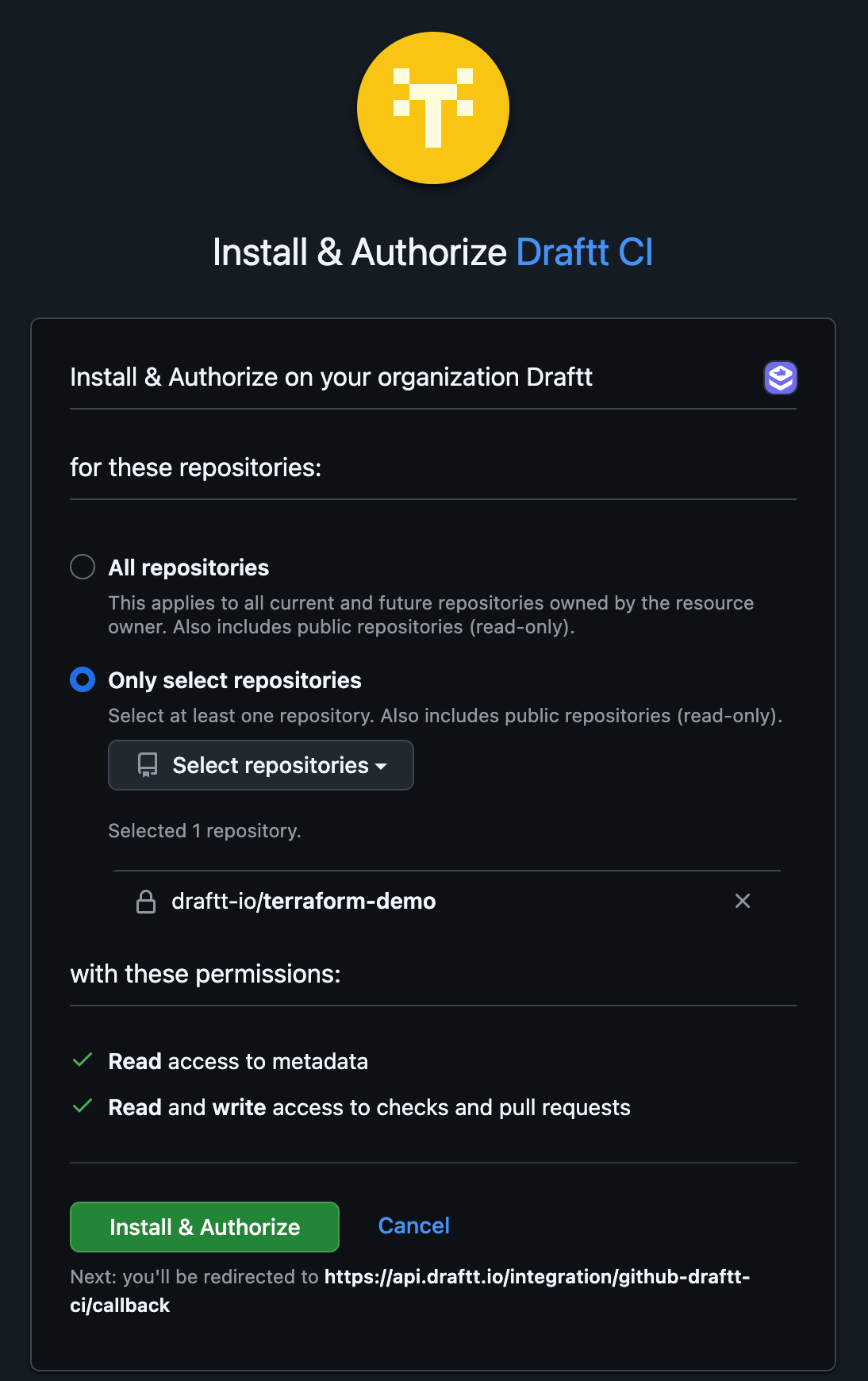
3
Install
Click Install & Authorize. GitHub returns you to Draftt, and the installation is bound to your Draftt organization. The App publishes results only on repositories in the installation, and only for your Draftt organization.
How it works
The App reacts to every pull request in every repository in the installation, whether or not the pull request changes Terraform files:- When a pull request is opened, reopened or pushed to, the App publishes the Draftt Terraform Policy Scan check as queued, titled Waiting for a Terraform plan, and posts a waiting comment.
- When the Action uploads the plan, the check and the comment are rewritten with the result.
- If no plan arrives within the timeout (10 minutes by default), the check concludes
neutralwith the title No Terraform plan received. A plan that arrives later is still scanned, and its result is published as a new check.
paths filter, keeps a neutral check that says no plan was received.
Results on the pull request
For each changed resource that violates a policy, the check lists the resource, the policy, and the change needed, with a link to the line in your code and to the policy in Draftt. It also adds an annotation on the line where each violating resource is declared, visible in the Files changed tab. Annotations are warnings, never errors, and a check carries at most 500 of them. Findings on resources the pull request doesn’t change are collapsed in a separate section. The comment carries the same result in short form and is updated in place on every push, so a pull request never collects a trail of old comments. The check concludessuccess when no changed resource violates a policy and neutral when one does, or when no plan arrived in time. It never concludes failure; see Draftt CI for how to enforce when you are ready.
On a public repository, the check and the comment are visible to everyone, including policy names and resource addresses. The plan itself is never shown.
Settings
The Draftt CI page in Draftt (Integrations > Draftt CI for GitHub) holds the scan settings for your organization.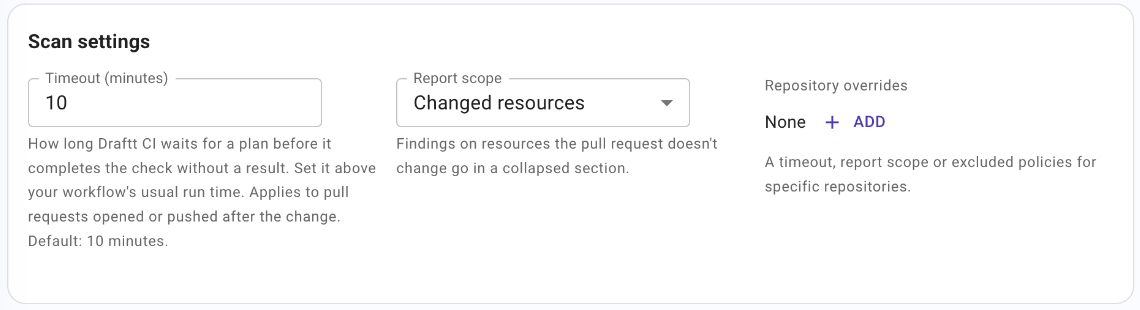
- Timeout (minutes): how long Draftt waits for a plan before it completes the check without a result. Set it above your workflow’s usual run time, between 1 and 60 minutes. The default is 10 minutes. The change applies to pull requests opened or pushed after it.
- Report scope: Changed resources (the default) puts findings on resources the pull request doesn’t change in a collapsed section. Whole plan reports every finding in the plan in the main list.
- Repository overrides: a timeout, a report scope or a list of excluded policies for a specific repository. Excluded policies are not evaluated for that repository’s pull requests, and the check footer says how many were excluded.
Troubleshooting
- The check never appears: the repository is not in the installation, or the installation is not bound to a Draftt organization. Check the Draftt CI card on the Integrations page and the installation in GitHub.
- The check stays at “Waiting for a Terraform plan”: the workflow did not upload a plan. Open the workflow run and expand the Draftt step; see the Action troubleshooting.
- The Draftt step warns
Draftt CI cannot access the repository: the scan completed but the App could not publish, because the repository is not in the installation. Add it in GitHub. - The Draftt step warns
This organization has no Draftt CI GitHub App binding: the Draftt organization that owns the access key has no Draftt CI installation. Complete the install from the Integrations page. - Re-run on the check does nothing: the Re-run button on the check does not scan again. Re-run the workflow instead.